
Bash hash 命令缓存:前面的目录已有新程序,为什么仍然执行旧路径
同名工具明明已经放进PATH前面的目录,当前Bash却仍然启动后面的那份。除了检查别名和函数,还要检查命令路径缓存:Bash可以记住曾经找到的外部命令位置,后续调用不必每次从头搜索所有目录。
要稳定复现,不能简单先改一次PATH再调用,因为给PATH赋值本身会清空缓存。下面先设置两段目录,让后面的工具被发现并缓存;随后只在前面的既有目录里新增同名文件,PATH字符串保持不变。
本文在Linux的Bash 5.2.37实跑,需要mktemp、mkdir、chmod、rm和/bin/sh。保存为demo.sh,用bash --noprofile --norc demo.sh运行,不要source到当前终端。示例只在自己创建的临时目录内写入并清理文件,退出时恢复脚本进程中的PATH。

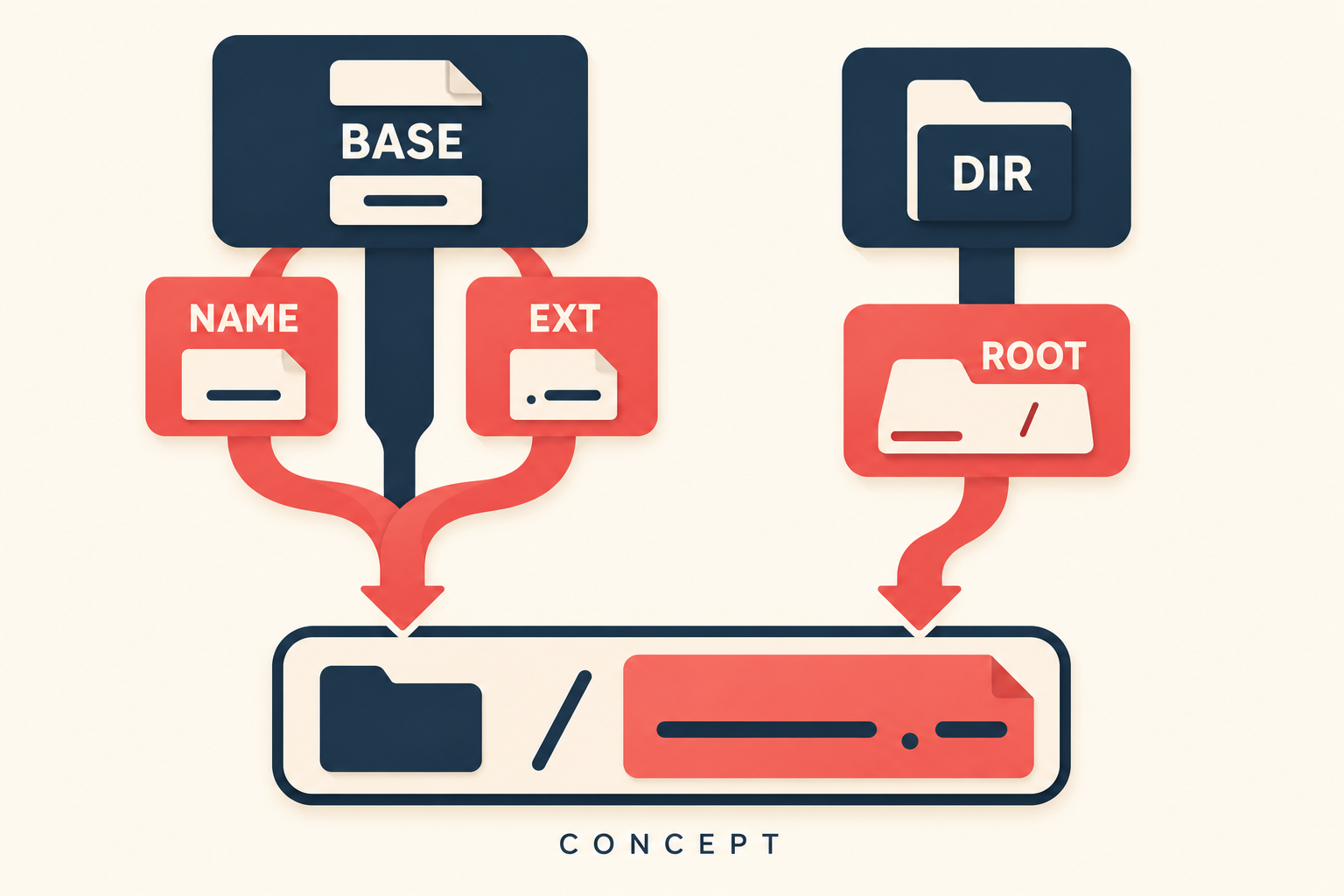
AI模型生成概念示意:记住的旧路线仍通向远处入口,清除记录后才重新检查候选路径;路线长短只是比喻,不表示命令执行耗时。
完整实验程序
#!/usr/bin/env bash
set -euo pipefail
set -h

sandbox=$(mktemp -d)
previous_path=$PATH
trap 'PATH=$previous_path; rm -rf -- "$sandbox"' EXIT
mkdir -p "$sandbox/early" "$sandbox/late"
printf '#!/bin/sh\nprintf "late\\n"\n' > "$sandbox/late/route_probe"
chmod +x "$sandbox/late/route_probe"
PATH="$sandbox/early:$sandbox/late:$previous_path"

route_probe > "$sandbox/output"
IFS= read -r value < "$sandbox/output"
[[ $value == late ]]
[[ $(hash -t route_probe) == "$sandbox/late/route_probe" ]]
printf 'first: %s\n' "$value"

printf '#!/bin/sh\nprintf "early\\n"\n' > "$sandbox/early/route_probe"
chmod +x "$sandbox/early/route_probe"
route_probe > "$sandbox/output"
IFS= read -r value < "$sandbox/output"
[[ $value == late ]]
printf 'after creating earlier candidate: %s\n' "$value"

hash -d route_probe
route_probe > "$sandbox/output"
IFS= read -r value < "$sandbox/output"
[[ $value == early ]]
[[ $(hash -t route_probe) == "$sandbox/early/route_probe" ]]
printf 'after hash -d: %s\n' "$value"

hash -r
if hash -t route_probe 2>/dev/null; then
  printf 'unexpected cached command\n' >&2
  exit 1
fi
printf 'after hash -r: no cached entry\n'
本地实际输出
first: late
after creating earlier candidate: late
after hash -d: early
after hash -r: no cached entry
新增候选不等于刷新缓存
first输出late,此时early目录还没有route_probe。脚本在当前shell直接执行命令,并用hash -t断言缓存确实指向late中的文件。set -h显式启用命令位置记忆,减少调用环境设置对实验的影响。
随后创建early中的同名可执行文件,再调用仍输出late。目录搜索顺序没有改变,但已经记住的路径被继续使用。此时若新开一个没有这份缓存的shell,观察结果可能不同,所以排查必须回到真正出问题的那个shell。
例子把命令输出重定向到临时文件,再用read取回结果。若为了收集输出,把最初的route_probe放进普通命令替换子shell里,就可能只更新子shell自己的缓存,父shell的实验前提随即消失。复现涉及shell状态时,要保留状态变化所在的执行位置。
单项忘记与全部忘记分别适合什么
hash -d route_probe只删除这个名字的缓存。下一次执行重新搜索PATH,找到early,输出变为early;紧接着hash -t再次确认缓存已经指向新路径。对于只升级了一项工具的情况,单项刷新比一律清空更容易观察影响范围。
最后hash -r清空全部已记住的位置。对route_probe执行hash -t返回非零,代码把这作为预期分支处理,并打印没有缓存条目。这个状态不表示磁盘上的程序被删除,下一次实际调用仍然可以重新搜索。
真实排查可先用type确认名字属于函数、内建还是外部文件,再检查hash -t记录的路径。缓存刷新不会改变函数定义、别名文本或工具本身版本,也不会替你证明新文件可信。需要固定某份程序时,可以核对后使用明确路径。
脚本里的临时目录是本次复现独有的,trap只清理该目录。不要为刷新命令缓存去删除真实安装文件,也不要把本例的PATH片段直接写进全局启动文件。先验证当前shell选择了哪条路径,再决定需要修正安装位置还是刷新记忆。
参考资料
官方资料核验日期:2026-10-02。以上输出来自文中完整程序,断言通过,退出状态为零。